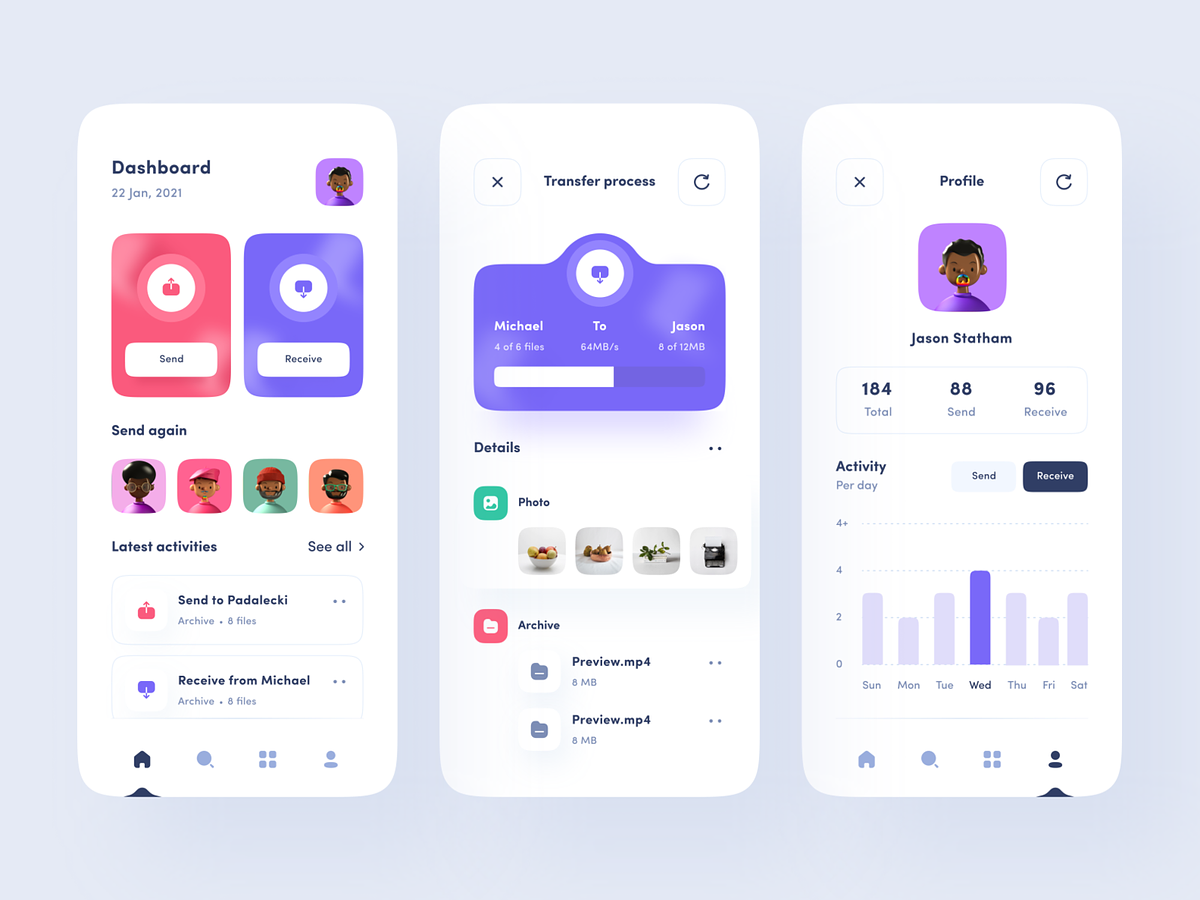
Streamlined File Transfer Application Design: Seamless Sharing, Connection Management, and Personalization
File transfer application has become an integral part of our digital lives, having an efficient and user-friendly file transfer application can make all the difference. Let’s delve into the key features and design principles of a file transfer application that allows users to effortlessly send and receive files, manage connections, and personalize their experience with unique avatars.
Clean and User-Friendly UI Design
A clutter-free and intuitive user interface is the cornerstone of a successful file transfer application. The UI design focuses on simplicity, making it easy for users of all tech backgrounds to send and receive files without complications. The design prioritizes a minimalistic and visually pleasing layout, ensuring that users can quickly access the essential functions of the application.
Seamless File Sharing
The primary purpose of the application is to enable seamless file sharing. Users can effortlessly send and receive files by selecting the intended recipient from their list of connections. The design includes a user-friendly file picker, drag-and-drop functionality, and options for quick sharing, making the process swift and efficient.
Connection Management
One standout feature of the application is its ability to remember connections. It automatically logs the friends and contacts with whom files have been shared, creating a history that can be easily accessed for future transfers.
Loading and Transfer Progress
Transparency is key in any file transfer application. The UI design includes clear and visually appealing loading indicators and transfer progress bars. Users can track the status of their file transfers in real time, ensuring that they are always in control and informed about the progress of their transfers.
Avatar Customization
Adding a personal touch to the application, users can create and customize their avatars. This unique feature allows users to express their individuality and personal branding. The application offers a range of customization options, enabling users to design avatars that truly represent them.
User-Friendly Navigation
The navigation of the application is designed for ease of use. The design ensures that users can navigate the application without feeling overwhelmed.
Want to collaborate? Email Us: hello@keitoto.com
or visit our web Keitoto.


