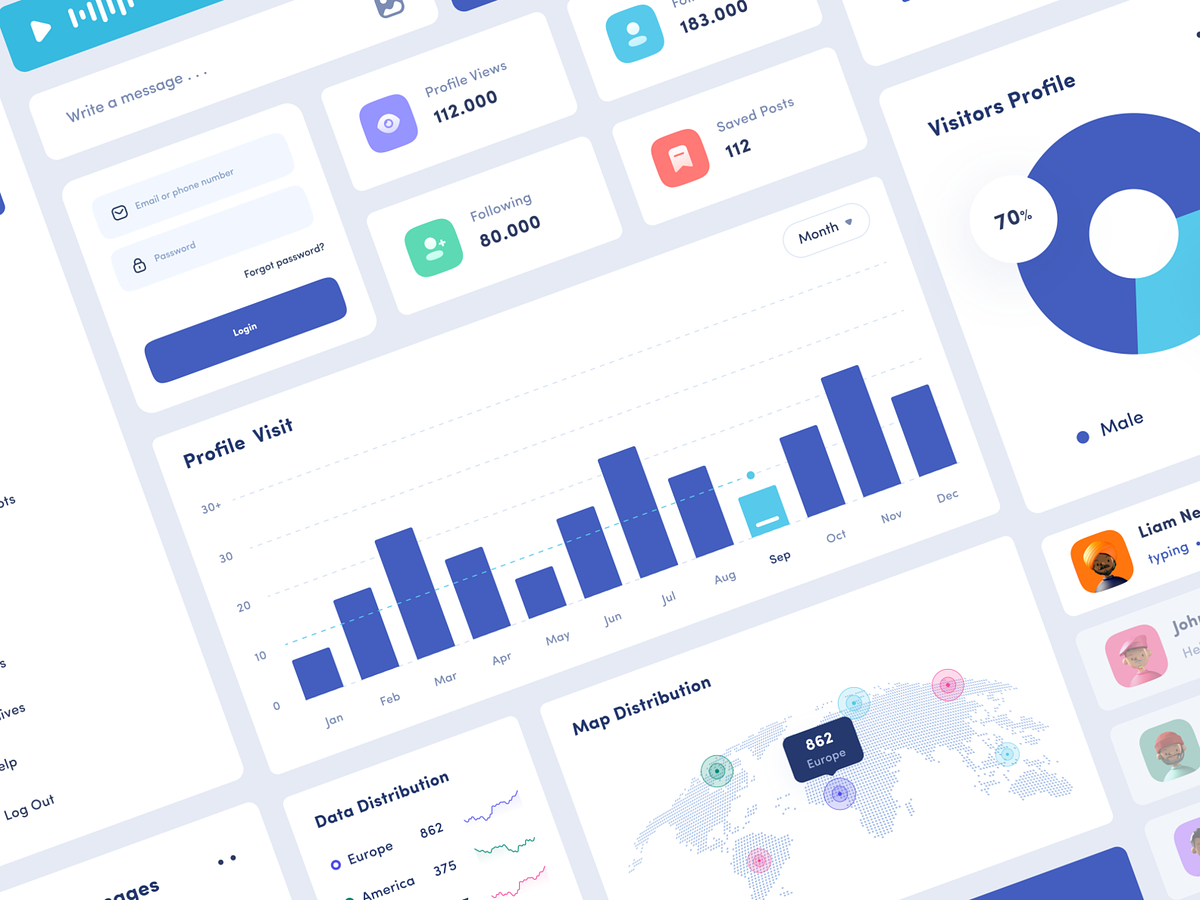
Social Media Management – Component Design Crafting Effective UI/UX
Social Media Management – Component In the realm of social media management, the user interface (UI) and user experience (UX) are paramount for efficient and effective workflow. A well-designed UI/UX not only enhances user satisfaction but also streamlines the complex task of handling multiple social media platforms. Let’s explore the critical components of UI/UX design for social media management.
Intuitive Dashboard Social Media Management – Component
An intuitive dashboard is the heart of social media management software. It should offer a clear overview of all connected social media accounts, performance metrics, and scheduled content. Customizable widgets and drag-and-drop features make it easy for users to organize and prioritize their tasks.
Unified Content Creation
A user-friendly content creation component should support various content types, such as text, images, videos, and links. It should provide built-in editing tools and allow easy scheduling and posting to multiple social networks, all within one seamless flow.
Real-time Analytics
Social media managers rely on data to make informed decisions. UI/UX design should include real-time analytics that display engagement, reach, and other key performance indicators in an easy-to-read format. Interactive charts and customizable reports allow users to track and analyze campaign success.
Social Listening and Engagement
The ability to monitor social media conversations and engage with the audience is crucial. An effective UI/UX design should incorporate a feature that allows users to listen to brand mentions, respond to comments, and manage customer interactions efficiently.
Content Calendar
A content calendar component aids in scheduling and organizing posts. It should offer a visual representation of the posting schedule, provide drag-and-drop functionality, and allow users to view and manage their content at a glance.
Team Collaboration
For businesses with multiple team members involved in social media management, collaborative features are essential. A well-designed UI/UX should support user roles and permissions, facilitate task assignment, and enable smooth communication within the platform.
Social Media Management – Component Design Mobile Responsiveness
With the increasing demand for on-the-go social media management, a responsive UI/UX design for mobile devices is a must. Users should have access to the full suite of features in a mobile-friendly interface.
Notifications and Alerts
Timely notifications and alerts ensure that no important events or engagements are missed. An effective UI/UX should provide customizable alerts for new messages, mentions, and other significant activities.
In conclusion, social media management demands a user-friendly, efficient, and feature-rich UI/UX design. With a well-crafted interface that incorporates these critical components, social media managers can save time, make data-driven decisions, and enhance their engagement with the online audience. A thoughtfully designed UI/UX not only improves the user experience but also empowers social media managers to harness the full potential of their platforms, ultimately leading to a more successful and productive social media strategy.
— — — — — — — — — —
Want to collaborate? Email Us: hello@keitoto.com


