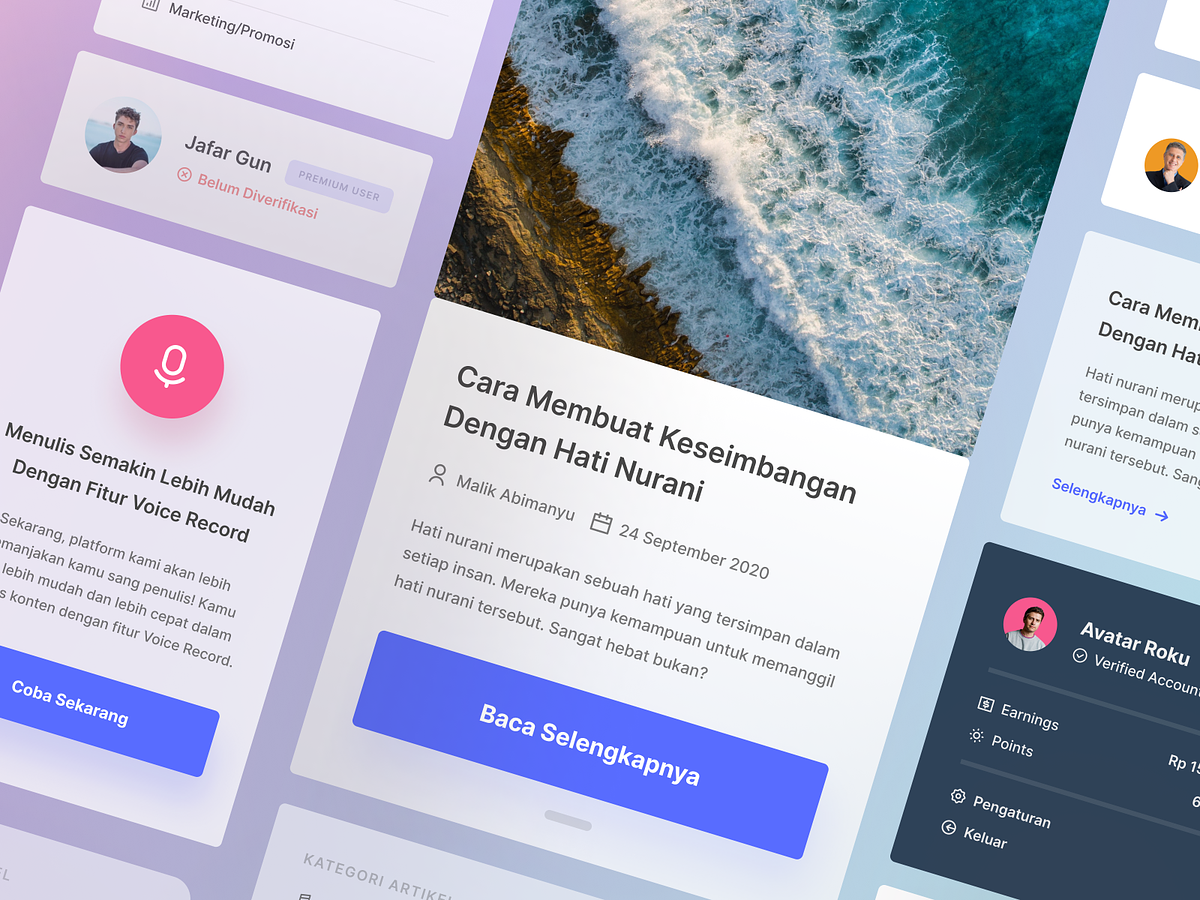
The Power of UI Components: Building User-Friendly Interfaces
User Interface (UI) components play a pivotal role in creating user-friendly and visually appealing digital experiences. These modular building blocks simplify the design and development process while ensuring consistency and efficiency. In this article, we explore the significance of UI components and how they contribute to the success of web and app interfaces.
Streamlined Development
UI components are pre-designed, self-contained elements that serve specific functions. These can include buttons, forms, navigation bars, cards, and more. By using these building blocks, developers can save time and effort, as they don’t need to create each element from scratch. This streamlines development and ensures that the entire UI adheres to a consistent style guide.
Consistency and Branding
UI components maintain design consistency throughout a digital product. They follow established design principles, such as color schemes, typography, and spacing, which are essential for creating a cohesive user experience. This consistency reinforces the brand identity and helps users recognize and trust the interface.
User Experience Improvement
Well-designed component enhance the user experience. Elements like intuitive navigation menus, clear buttons, and user-friendly forms make it easier for users to interact with the application. A well-structured UI not only attracts users but keeps them engaged, increasing customer satisfaction.
Scalability and Maintenance
UI components promote scalability and ease of maintenance. When updates or modifications are required, changes can be made to individual components without affecting the entire interface. This makes it more manageable to add new features or fix bugs, reducing development costs and effort in the long run.
Collaboration
UI components encourage collaboration between designers and developers. Designers can create and document the components, specifying how they should be used and styled. Developers can then implement these components while staying in line with the intended design, fostering a more harmonious workflow.
Customization
Components are not one-size-fits-all. They can be customized to suit the specific needs and branding of the project. This flexibility allows developers to adapt the components to different contexts while maintaining consistency.
Want to collaborate? Email Us: hello@keitoto.com
or visit our web Keitoto.


